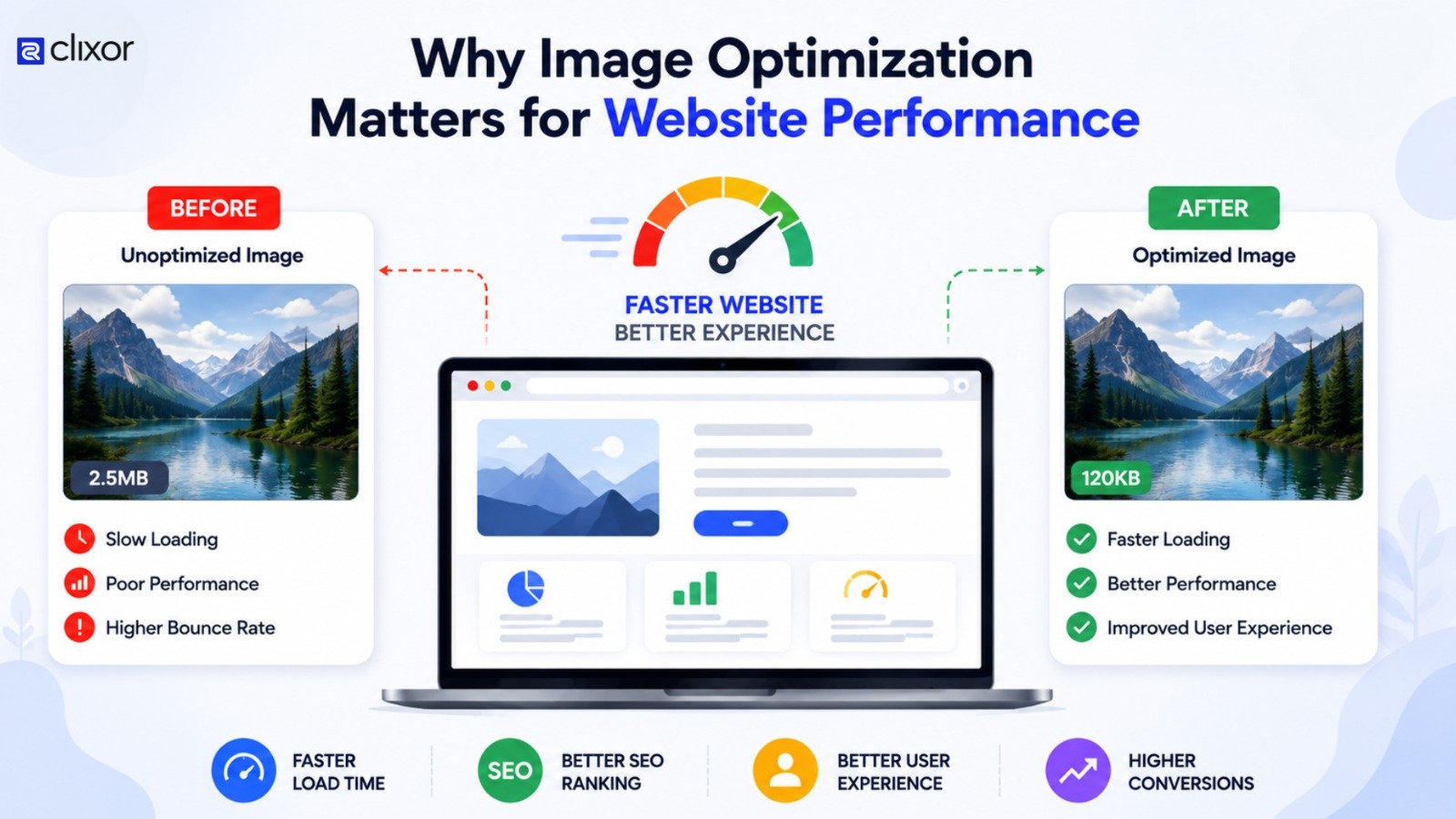
Why Image Optimisation Matters for Website Performance
Images make websites more attractive, informative, and engaging. They play an important role in how visitors experience a website, but large or poorly optimised images can slow it down.
Image optimisation reduces image file sizes while maintaining good visual quality. It helps websites load faster, use fewer resources, and provide a smoother browsing experience.
So, why does image optimisation matter for website performance? Let’s look at the key reasons and practical ways to optimize images effectively.
- How Images Affect Website Performance
- Benefits of Image Optimisation
- How to Optimise Images for a Website
- Image Optimisation and SEO
- Conclusion
How Images Affect Website Performance
When a visitor opens a web page, the browser must download the resources needed to display it. Large images take longer to download, especially on slower networks or mobile devices.
For example, a website may display a high-resolution photograph that is several megabytes in size, even though the image appears only a few hundred pixels wide on the page. The browser still has to download the larger file.
Optimising the image reduces unnecessary data and allows the page to load more efficiently.
Benefits of Image Optimisation
1. Faster Website Loading
One of the main benefits of image optimization is improved loading speed. Smaller image files require less data to download, helping pages display their visual content more quickly.
This is particularly useful for mobile visitors who may have limited bandwidth or slower connections.
2. Better User Experience
Visitors expect websites to respond quickly. If important images take too long to appear, users may become frustrated or leave the page.
Optimised images help create a smoother experience by allowing content to load more efficiently.
3. Improved Mobile Performance
Mobile devices come with different screen sizes, resolutions, and network conditions. Serving unnecessarily large images to mobile users wastes bandwidth.
Using responsive images allows a website to provide an appropriate image size for each device.
4. Reduced File Size
Image compression can significantly reduce the amount of data an image contains. There are two common approaches:
- Lossless compression: Reduces file size while preserving the original image information.
- Lossy compression: Removes some image information to reduce file size.
The right choice depends on the type of image and the required visual quality.
How to Optimise Images for a Website
Choose the Right Image Format
Different formats work better for different types of content.
JPEG can be useful for photographs, while PNG is often suitable when transparency or sharper graphics are needed. Modern formats such as WebP and AVIF can provide efficient compression and are widely used for web content.
Resize Images Before Uploading
Uploading a 3000-pixel-wide image when the website only displays it at 800 pixels creates unnecessary file size.
Resize images according to their actual display requirements before uploading them to your website.
Compress Images
Image compression reduces file size without making the image unnecessarily large. Always check the compressed image visually to make sure the quality remains suitable.
Use Responsive Images
Responsive image techniques allow browsers to select an appropriate image based on the visitor's device and display size. This prevents users from downloading unnecessarily large files.
Add Lazy Loading
Lazy loading allows images outside the initial visible area to load only when needed. This can reduce the amount of content a browser needs to load immediately when a page opens.
Image Optimisation and SEO
Image optimisation can also support a better overall search experience. Faster and more efficient pages can improve usability, while properly named image files and descriptive alt text help search engines understand image content.
For example, instead of using a file name such as IMG1234.jpg, a relevant name like website-image-optimization.jpg provides more context.
Alt text should accurately describe the image and should be written primarily for accessibility rather than keyword stuffing.
Conclusion
Image optimisation matters for website performance because images can make up a significant part of a web page’s load. Choosing suitable formats, resizing images, compressing files, and using responsive images can help create a faster and more efficient website.
For businesses building or improving their websites, image optimisation should be part of the overall performance strategy. Clixor Technologies can include image performance alongside other website development and optimisation practices to create a better experience for users.