What Is Business Process Automation? A Complete Guide
- What Is Business Process Automation?
- How Does Business Process Automation Work?
- Why Do Businesses Use Process Automation?
- Business Process Automation Examples
- Benefits of Business Process Automation
- Business Process Automation vs RPA
- How to Start Automating Business Processes
- Conclusion
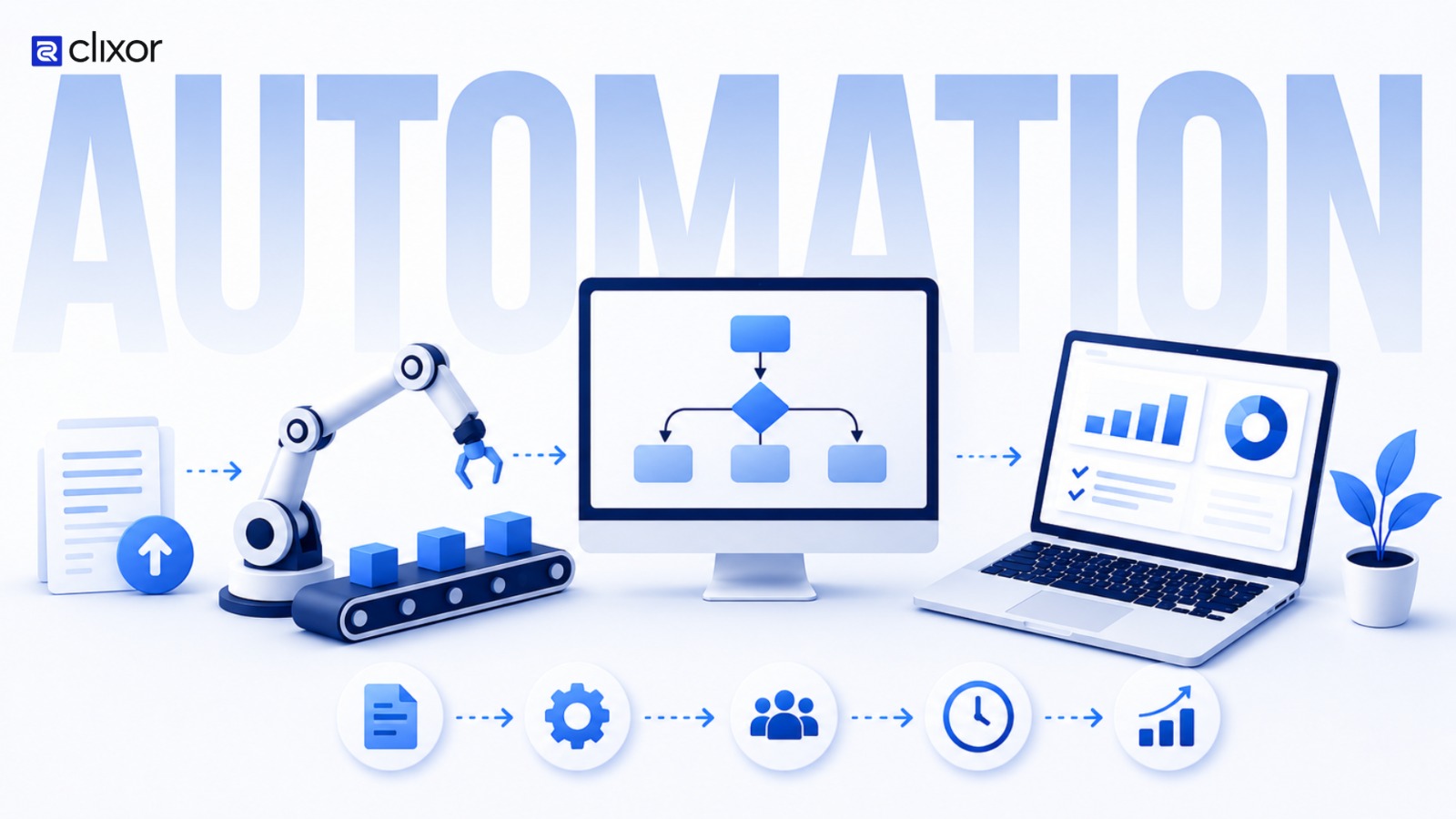
Business Process Automation (BPA) is the use of technology to automate repetitive business tasks and workflows with minimal manual effort. From managing customer enquiries and processing invoices to handling approvals, updating records, and sending follow-ups, many everyday business activities can be automated. Instead of employees completing every step manually, software can perform predefined actions based on specific rules and triggers. In simple terms, business process automation helps businesses complete routine work faster, more consistently, and with less manual effort.
How Does Business Process Automation Work?
Business process automation turns manual workflows into connected digital processes through web development and automation. For example, when a customer submits a website enquiry, a web-based system can save the details in a CRM, send a confirmation email, notify the sales team, and create a follow-up task automatically.
By combining web development with business process automation, businesses can reduce repetitive work, improve efficiency, and create smoother digital workflows.
Why Do Businesses Use Process Automation?
As businesses grow, repetitive tasks can consume more of employees' time. Activities such as entering data, checking requests, sending routine emails, updating records, and transferring information between systems may seem small individually, but they can become a significant workload when repeated every day.
Business process automation helps reduce this repetitive work and allows employees to spend more time on customer communication, problem-solving, decision-making, and other higher-value activities. It can also improve consistency because automated workflows follow the same predefined process each time.
Business Process Automation Examples
Business process automation can be used across different departments. Sales teams can automate lead capture, CRM updates, lead assignment, and follow-up reminders. Finance teams can automate invoice processing, payment reminders, and approval workflows. HR teams can streamline employee onboarding, document collection, and internal notifications. Customer support teams can automatically categorise and route support requests to the right team.
Other common examples include appointment reminders, expense approvals, report generation, document management, and data synchronisation between business applications.
Benefits of Business Process Automation
One of the main business process automation benefits is saving employee time by reducing repetitive manual work. Automation can also reduce errors in processes that involve frequent data entry or information transfer. Since workflows follow predefined rules, businesses can maintain greater consistency across routine operations.
Another advantage is faster processing. Automated workflows can trigger the next step immediately instead of waiting for an employee to complete it manually. Businesses can also track workflow activity, making it easier to identify delays, bottlenecks, and incomplete tasks.
Automation can also support business growth. As the number of customers, employees, orders, or transactions increases, automated workflows can handle more routine activity without creating the same increase in administrative workload.
Business Process Automation vs RPA
Business Process Automation and Robotic Process Automation (RPA) are related but different. BPA is a broader approach to automating complete business workflows using technologies such as workflow platforms, APIs, integrations, databases, and automation software.
RPA is a specific technology that uses software bots to perform repetitive computer-based actions, such as transferring information between applications. Therefore, RPA can be part of a business process automation strategy, but BPA is not limited to RPA.
How to Start Automating Business Processes
Businesses do not need to automate everything at once. A practical approach is to start with a repetitive process that happens frequently, takes considerable time, or regularly causes delays.
First, understand how the process currently works and remove unnecessary steps. Then identify which parts require human involvement and which can be automated using business process automation software, workflow tools, integrations, or custom solutions.
Starting with one process makes it easier to test the workflow and measure improvements in processing time, errors, employee effort, and overall efficiency. Successful automation can then be expanded to other areas.
Conclusion
Business process automation helps businesses simplify repetitive workflows and make everyday operations more efficient. By automating suitable tasks, organisations can reduce manual work, improve consistency, minimise errors, and give employees more time to focus on work that requires human expertise.
The best approach is to start small: identify one repetitive process, improve the workflow, automate the appropriate steps, and measure the results. Whether it involves leads, invoices, employees, customer requests, or approvals, the right automation can help businesses build smoother and more scalable operations.